Help and FAQs
How do I log on?
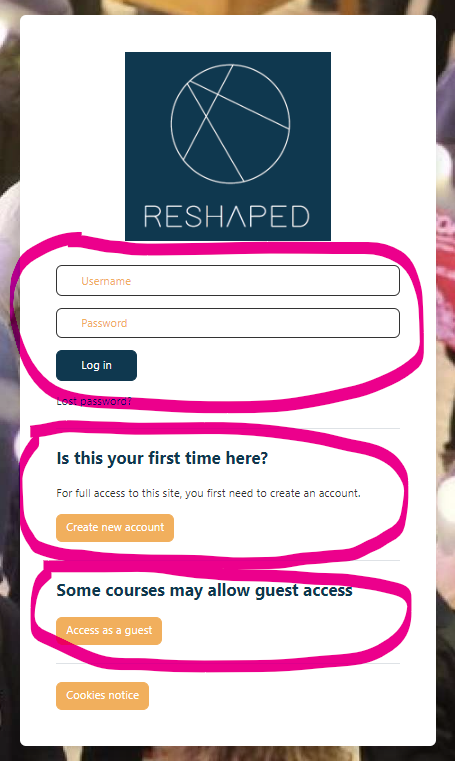 You can log on to RESHAPED either as a:
- a guest user
This will provide you with a general overview of the platform without setting up a user account with RESHAPED. It will allow you a limited view of the content on some of the courses and hubs, and you won't be able to participate in all the activities or receive a course completion badge or certificate. To access RESHAPED as a guest, go to the login page and select 'Access as a guest'.
or
- an enrolled user
For enrolled user access, you will need to set up an account and provide a username and password. This will provide you with access to almost all our courses and hubs and enable you to participate fully in these in their activities. To access RESHAPED as an enrolled user, you will first of all need to select 'Create a new account' and enter your details.
Please note that there is a small number of courses for which you will not be able to self-enrol.