Help and FAQs
How do I get to the toolkit I want?
There are three ways to do this.
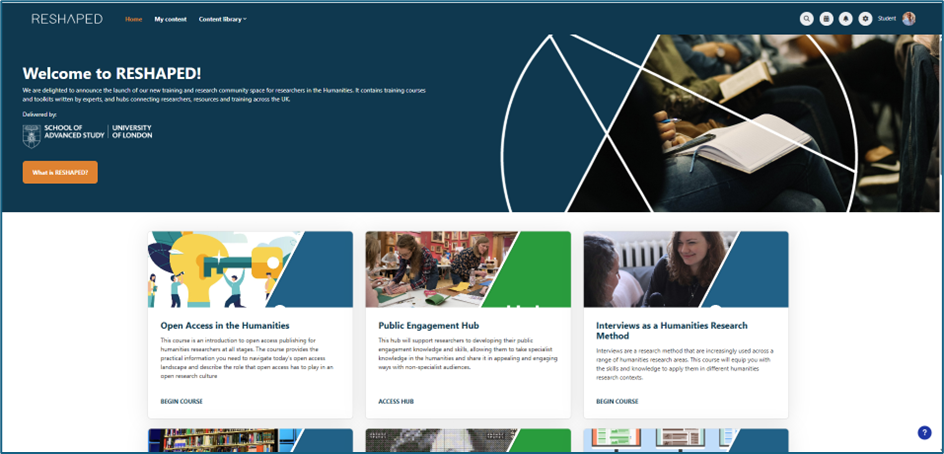
- You can select the toolkit you want from the collection at the foot of the homepage. Please note that this does not include all the toolkits available and includes some courses and hubs
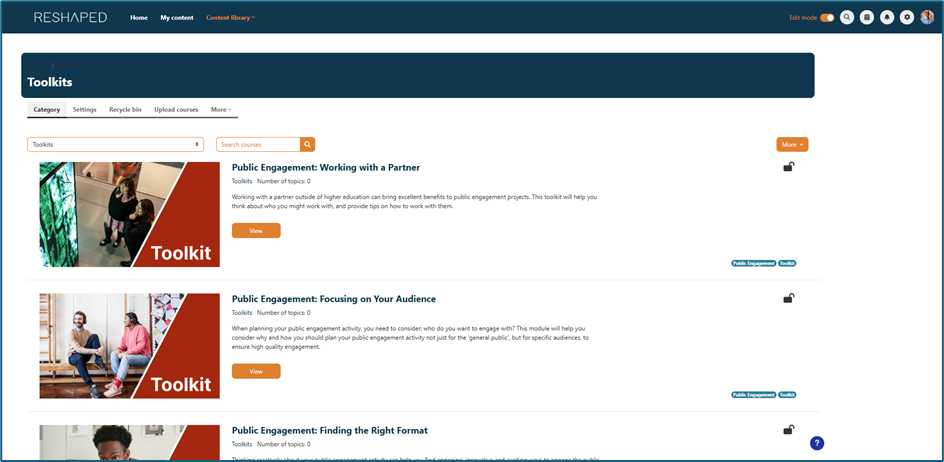
- You can select the ‘Content library’ tab at the top of the homepage and toolkits from the dropdown menu. This provides a list of the toolkits available.
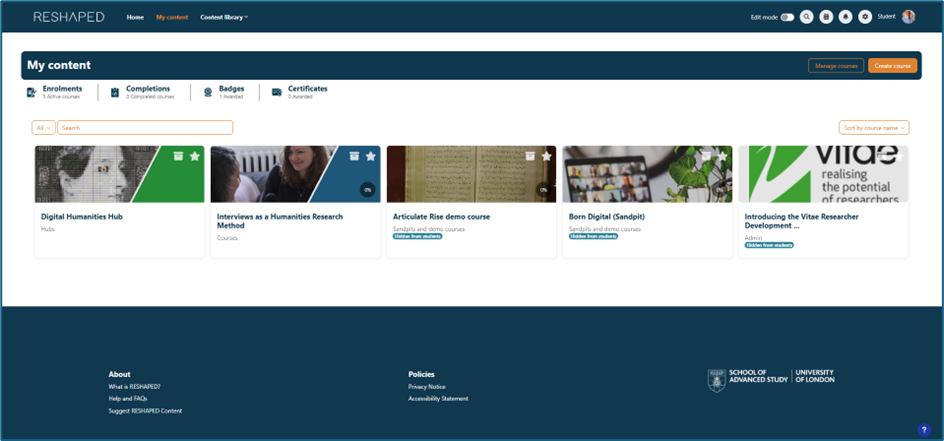
- If you have enrolled
yourself on a toolkit, you can access it via the ‘My content’ tab.