Help and FAQs
Completion requirements
How do I participate in a forum?
First of all, guest users will not be able to participate in a forum although they will be able to view the contributions that have been made.
If you have logged into RESHAPED and are enrolled on a course, toolkit or hub, you will need to do the following.
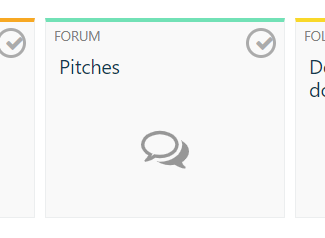
- Select the forum to which you would like to post, for example:
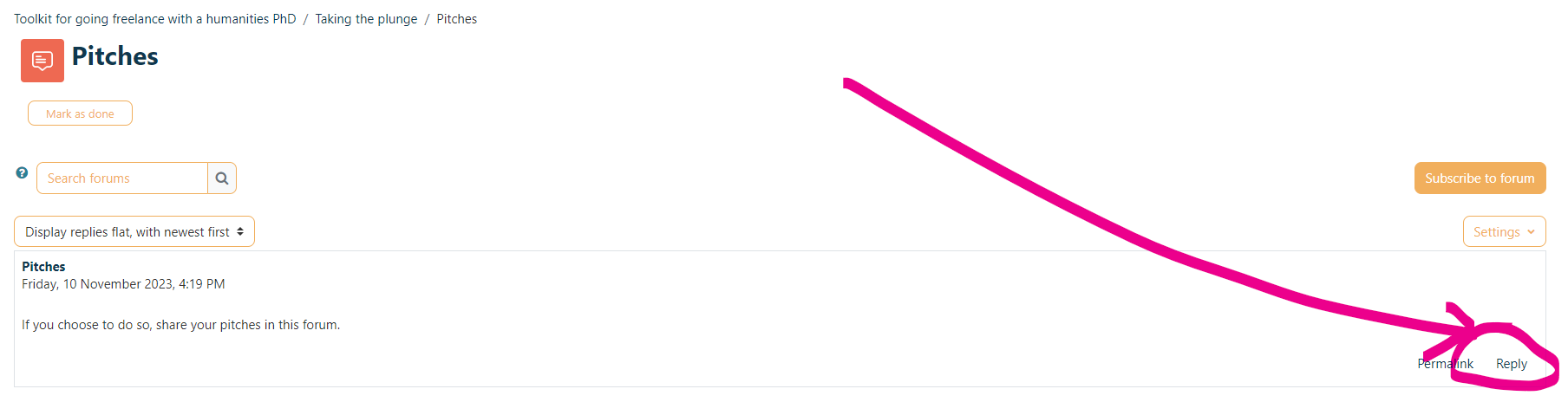
2. You can reply to the post prompt by selecting 'Reply' in the bottom right-hand corner
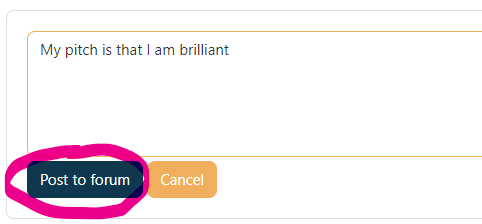
3. Select 'Post to Forum'
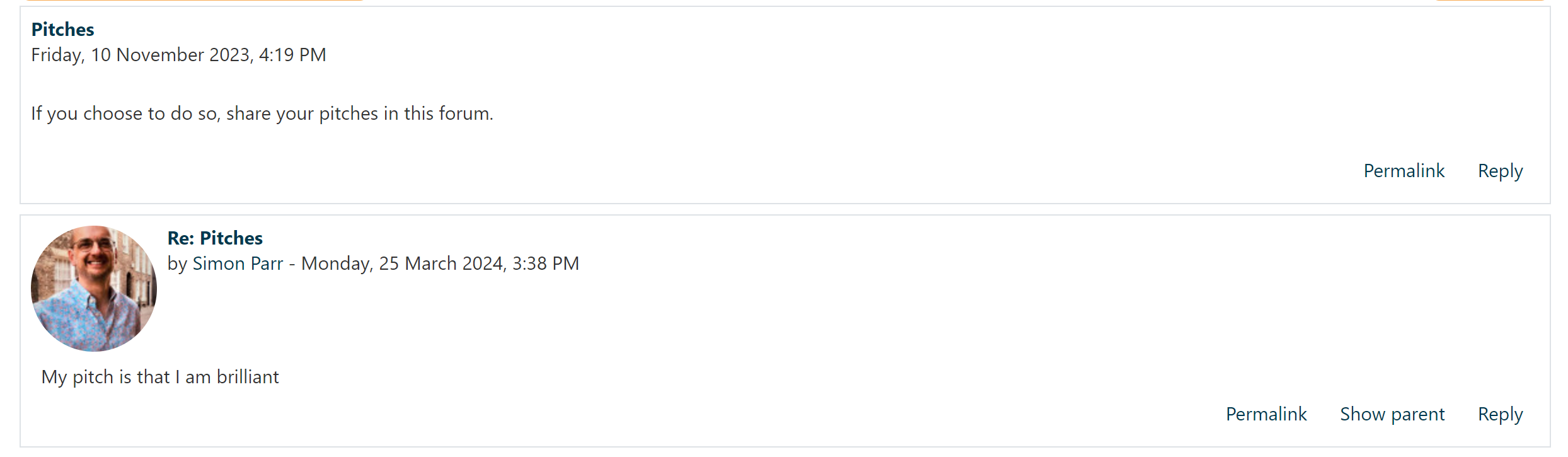
4. Your reply should now appear
5. If you select, 'Subscribe to forum', you will receive email alerts as to when anyone has posted to the forum. Think carefully about activating this.